Holidaypac
  Oct 27,2026
HOLIDAYPAC • RETAIL DISPLAY BUYER GUIDE
Start with the products, then specify the stand. A useful custom floor display brief defines the packaged SKU sizes, the quantity in each position, the load on each shelf or pocket, and the store space available. Confirm those details on a physical sample before approving production.
A display can look right in a picture and still be awkward to stock. A pouch may lean forward, a carton may catch on a shelf lip, or a popular SKU may run out while neighboring pockets stay full. These are layout decisions that buyers can address before artwork and production are finalized.
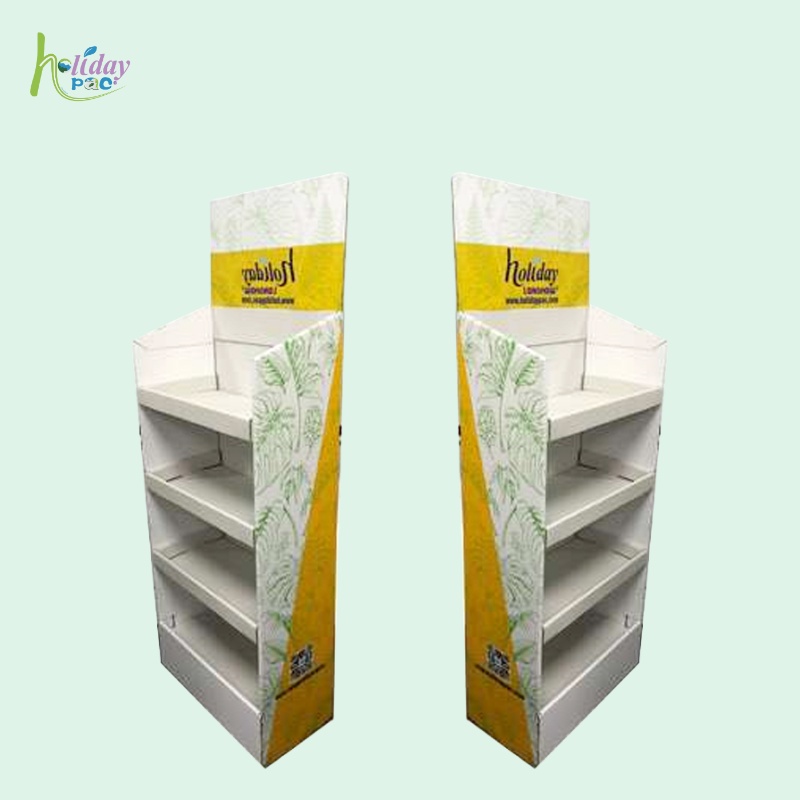
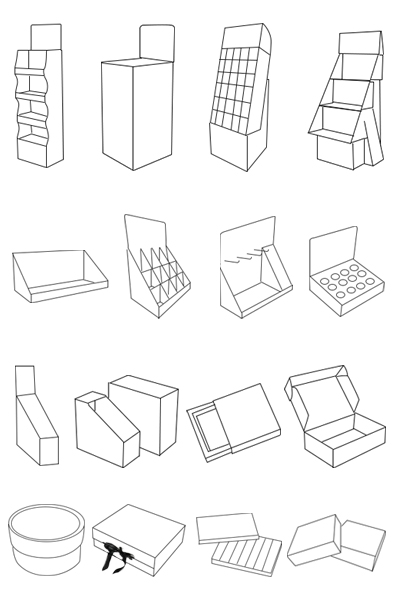
This guide focuses on translating your assortment into a clear specification for custom cardboard floor displays. For an introduction to the format, see our explanation of free-standing display units in retail.
1. Measure the sellable pack, not only the product
Record the dimensions of each product exactly as it will appear on the display. Include a carton flap, a hang tab, a flexible pouch seal or a protective sleeve if it affects fit. Specify the intended orientation so that “width” means the same thing to the buyer and the designer.
For flexible packs, send physical samples or photographs showing the normal filled shape. A nominal width alone may not describe the space needed after filling. For rigid packs, check the largest relevant package variation rather than measuring only one convenient sample.
- Assign each SKU a clear code and provide its packed width, depth, height and gross weight.
- State which face must be visible and whether products stand, lie flat or sit in individual pockets.
- Identify fragile surfaces, irregular shapes or packs that need additional separation.
- Keep dimensional units consistent across the brief and drawings.
2. Translate the assortment into facings and stock
A facing is a product position visible from the front. Units behind that facing provide additional stock. Separate these two decisions: more depth can increase stock without increasing the number of products shoppers see, while more facings use additional display width.
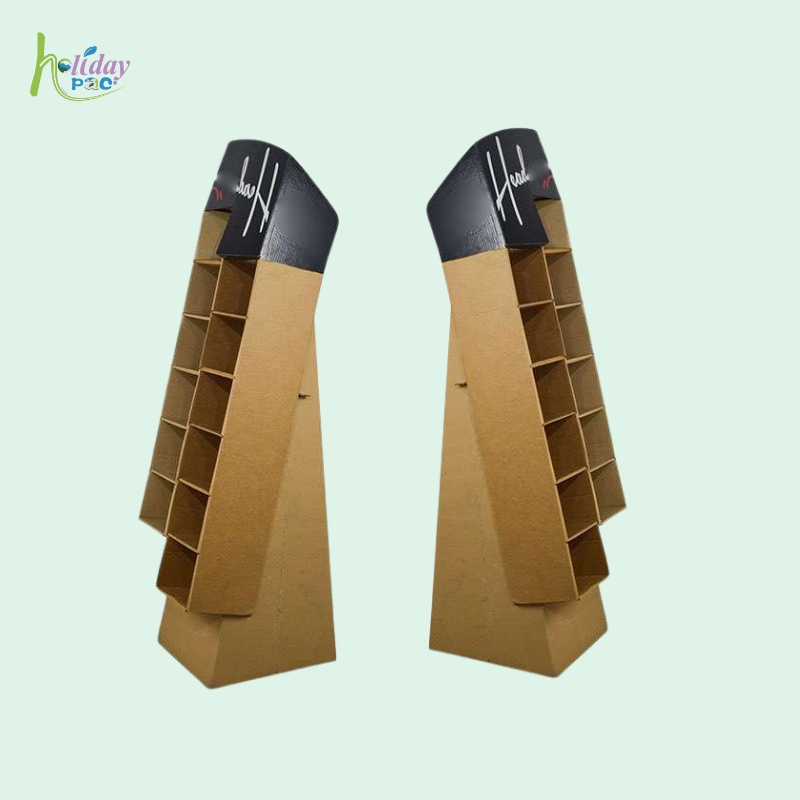
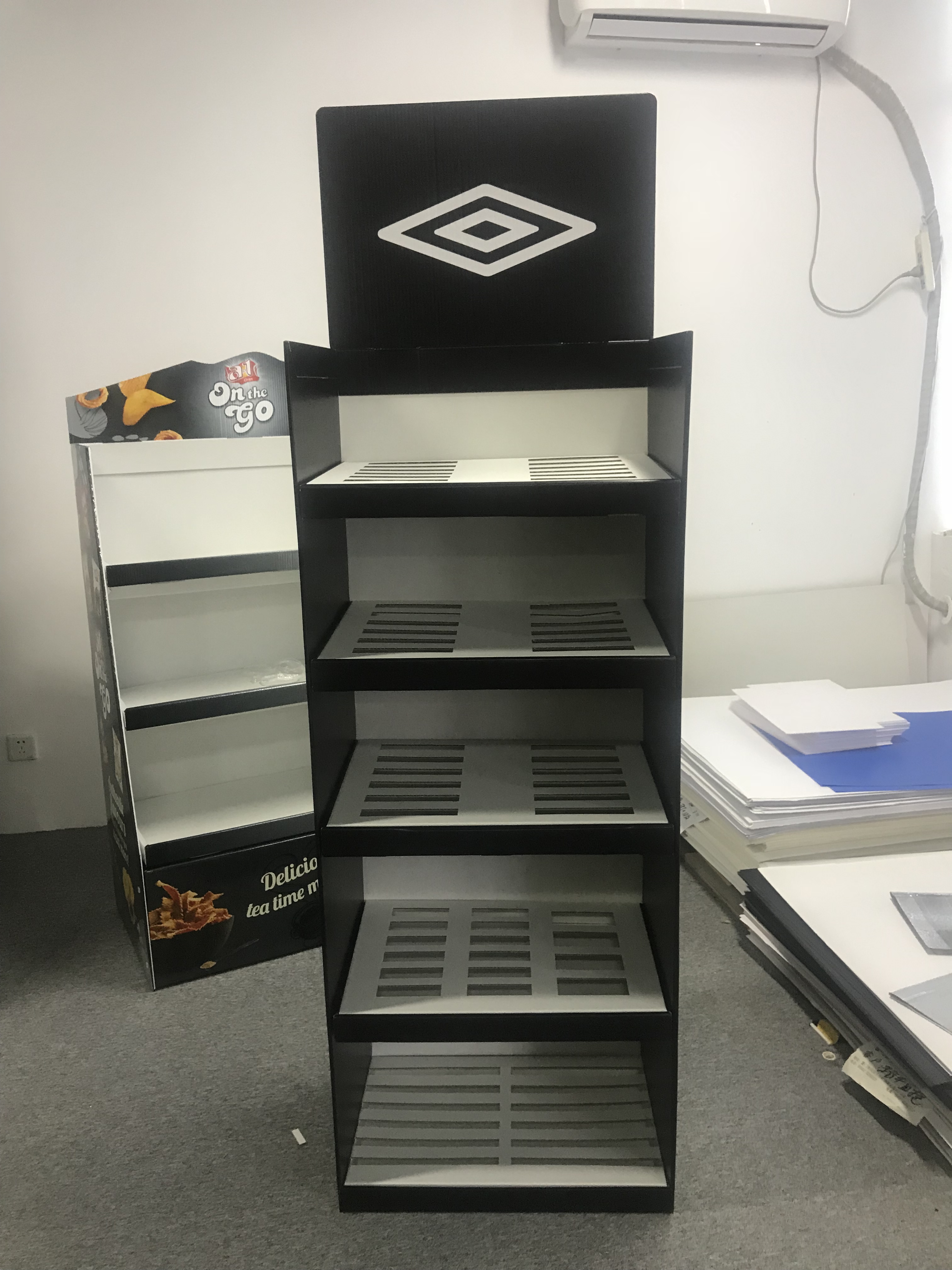
For a pocket display, allocate SKUs to individual compartments. For an open-shelf display, show rows and any required dividers. Mark the replenishment target for each SKU so a designer can discuss capacity alongside product access. The 12-pocket floor display example illustrates a different allocation approach from a continuous open shelf.
| Planning question | What to put in the brief |
|---|---|
| Which products need visibility? | SKU code, front-facing orientation and required facings. |
| How much stock belongs in each location? | Units per pocket or shelf, with a simple labeled layout. |
| Can the shopper remove a pack? | Space to grip and lift the actual product without catching or disturbing adjacent packs. |
| How will staff refill it? | Access direction, replenishment pack and whether the stand stays in position. |
Check both the fully stocked and partly depleted layout. A display should remain understandable when one SKU sells faster than another. Labels, dividers and product positions can help preserve the intended arrangement during the campaign.
3. Calculate the intended load for every shelf or pocket
Use the packaged gross weight, including the product and its sales packaging. Calculate each location separately; a total display weight does not show where that weight acts on the structure.
If one shelf is planned to carry 12 packs at 0.35 kg each, the intended product load is 12 × 0.35 = 4.2 kg. Four identically loaded shelves would contain 16.8 kg of products. These are example inputs for a brief, not the capacity of a Holidaypac display.
If a shelf carries multiple SKUs, calculate each SKU subtotal and add them. Also describe the loading pattern: closely grouped bottles, wide cartons and evenly distributed lightweight packs can place different demands on a shelf. Include any accessories or extra items that will sit on the structure.
Ask the designer to confirm the appropriate board construction, spans, supports and connections for the actual layout. A thicker board by itself is not a complete performance specification. Holidaypac’s custom cardboard floor display product information describes using product size, quantity and weight in structural development.
4. Define the store space and use conditions
Supply the permitted footprint, overall height and placement constraints from the actual retail location. Include the header and base when checking overall dimensions. If the retailer supplies a current drawing or display requirement, attach that version to the brief.
Describe campaign duration, indoor placement, storage conditions and whether the display will be moved after loading. Tell the supplier whether stores receive an empty flat-packed kit, an assembled empty unit or a prefilled display. These options need different packing and handling discussions.
Avoid treating a finish description such as “laminated” as proof of suitability for every moisture condition. Explain the environment and request the relevant material and performance confirmation for the proposed design.
5. Review the sample with the planned products
Use a sample review to answer specific questions rather than approving only its appearance. Load the intended SKUs in their assigned locations and review fit, product visibility, removal and replenishment. Agree with the supplier on suitable performance checks and acceptance criteria for the intended use.
- Fit: Do all packs sit in the correct orientation without forced insertion?
- Access: Can a shopper remove one item without pulling neighboring packs out?
- Layout: Are the required facings visible above shelf lips and behind any header or side panel?
- Structure: Are supports, tabs and connections assembled as intended, with no omitted parts?
- Verification: Have the agreed load pattern, conditions, duration and observations been documented?
- Graphics: Are important messages visible on the assembled, stocked sample?
Photographs are useful records of the reviewed arrangement, but they do not establish a universal safe load. Keep the sample version, drawing revision and agreed configuration together. If a SKU becomes heavier or a shelf span changes, have the affected specification reviewed again. For kit preparation, use our related display assembly and packing checklist.
6. Send a concise buyer brief
Copy the fields below into your quotation request. Mark anything unknown so the supplier can identify the questions that must be resolved before design approval.
| Field | Your project information |
|---|---|
| Product assortment | SKU codes; packaged dimensions, gross weights and sample availability. |
| Layout | Facings, units per shelf or pocket, SKU placement and refill targets. |
| Retail space | Maximum footprint and height; placement; current retailer requirements. |
| Loading and use | Product load per location; campaign duration; relevant storage and handling conditions. |
| Branding | Artwork references, visible messages and required print or finishing details. |
| Delivery format | Flat kit, assembled unit or prefilled display; packing and labeling needs. |
| Order planning | Quantity, destination, target arrival date and sample approval contact. |
A clear brief also makes quotations easier to compare. Check that suppliers have allowed for the same capacity, structure, printing, accessories and packing arrangement. Confirm project-specific pricing, minimum quantity and timing with the supplier rather than assuming that a different display’s published figures apply.
Frequently asked questions
What information is needed to design a custom floor display?
Provide packaged product dimensions and gross weight, SKU quantities and layout, permitted footprint and height, retail use conditions, packing method and campaign dates. Include physical samples and the retailer's current requirements where available.
Can one floor display hold different product sizes?
Yes, a layout can use different pockets, shelf spacing or dividers. Each SKU must be checked for fit, visibility, removal and replenishment in its intended location.
How do I calculate the product load on a shelf?
Multiply each SKU's packaged gross weight by the number of units assigned to the shelf, then add the results. This calculates the intended product load; it does not establish the display's safe capacity.
Does a heavier board guarantee a stronger display?
No. The assembled structure, spans, supports, joints, loading pattern and use conditions also matter. Ask for an appropriate prototype and agreed verification for the actual configuration.
Should artwork be approved before the structure?
Confirm the structural layout and product fit before final artwork approval. Review the graphics again on an assembled sample, because shelf lips, folds and products may cover printed areas.
Plan your next floor display with Holidaypac
Send your packaged product dimensions, weights, SKU layout and retail-space requirements. Holidaypac can discuss a custom display structure and sample plan around your project. Browse our cardboard display formats or contact the Holidaypac team with your buyer brief.