Holidaypac
 Nov 15,2026

Print-ready artwork for a cardboard display starts with an approved structure and a clearly identified file version. Before sending graphics to production, check the dieline, panel orientation, bleed, linked assets and agreed color references. The aim is to make the artwork understandable to the people who will print, cut and assemble the display.
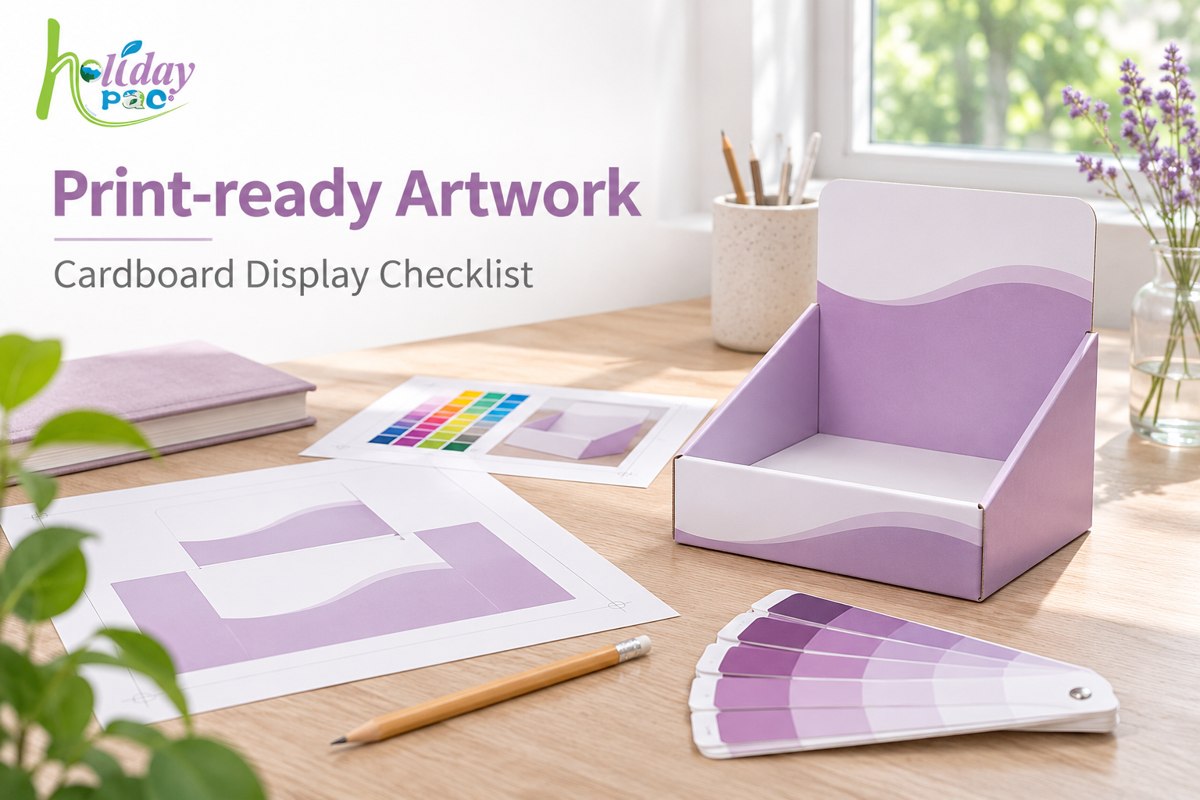
This checklist is for brand owners, distributors and retail teams preparing artwork for custom floor displays, counter displays and PDQ trays. It focuses on the handover before printing. For checks on printed sheets and finished appearance, see our packaging printing quality control guide.
Ask for the current supplier-issued dieline and record its revision. Confirm which component each file represents: header, side panel, shelf strip, tray or base. Do not resize a dieline to make the artwork fit. If product dimensions or display capacity change, request a revised structure before continuing the graphics.
Keep cutting and folding guides distinguishable from printed artwork. Ask the supplier how these guides should be named, separated and excluded from production print. A PDF that looks correct on screen can still contain unwanted construction lines.
Check the flat layout against a folded mockup or an agreed assembly view. Mark the front, back, inside and outside. Review the direction of every logo and headline after folding, especially on shelf lips and panels that turn over.
For example, a promotion printed near the bottom of a header may disappear behind the top row of products. Place the intended products in the mockup, or review their confirmed outline, before approving that position. A clear flat sheet is only one part of the review.
Background artwork that reaches a cut edge normally needs to extend beyond that edge. Keep important words and logos away from cuts, creases and concealed joining areas. Use the supplier's specified allowances for this structure and process; a value used on a previous project is not automatically suitable.
Adobe's PDF marks, bleeds and color output guidance explains the export controls. Confirm the required settings with the production team before exporting.
Supply the approved logo artwork, final copy and original image assets available to your designer. Review image quality at the intended printed size. A small web preview should not be treated as a production master simply because it looks sharp on a phone.
Agree the required color workflow and identify any brand-critical colors. Include the approved reference and state whether it is a spot-color specification, physical sample or another agreed target. Ask how the chosen paper and finish will be considered during approval.
Check for missing links and unavailable fonts before handover. Adobe's Illustrator packaging guidance describes collecting a document with linked graphics and necessary fonts. Share font files only where licensing permits, and follow the printer's instructions for embedding or outlining text. Keep an editable master separately.
| Checkpoint | What to record | Who confirms it |
|---|---|---|
| Structure | Dieline revision and component list | Buyer and structural team |
| Content | Final wording, logo version and promotion dates | Brand owner |
| Placement | Panel orientation and visibility with products loaded | Buyer and designer |
| Production file | Export settings, bleed, links and fonts | Designer and prepress team |
| Color reference | Approved target and proof requirements | Buyer and printer |
| Release | Exact approved file, revision, date and approver | Named project owner |
Store the approval beside the actual file. A message saying “looks good” is difficult to use if several attachments have similar names. Use a filename such as Brand_Display_Header_R03.pdf and identify each component in the approval record. After an edit, issue a new revision rather than silently replacing the approved attachment.
Before ordering a proof or sample, agree its purpose. A layout PDF can help confirm copy and placement. A folded mockup helps review panel orientation and visibility. Color-critical approval needs a suitable reference and agreed assessment method. Ask which material, print process and finish a sample represents.
Artwork approval does not establish shelf load capacity or product fit. Keep structural testing and artwork approval as separate project checkpoints. This makes it easier to identify what is ready and what still needs evidence.
No. The file format alone does not establish readiness. The PDF must match the approved structure and the printer's requirements, with the correct artwork and no unresolved asset issues.
Use a confirmed dieline for each size and review the resulting layout. Scaling may change the relationship between graphics, folds and visible panels.
Send the display type, product dimensions and weight, target capacity, order quantity and destination. Include available brand assets and retailer requirements. If the structure is already approved, attach its current dieline and revision.
Explore our cardboard display range and contact Holidaypac with your project brief. We can discuss the information needed for the structure and artwork handover before you release the final files.


Links